
It’s easy to cut the cable cord, until you start to do it. When you’re looking for the best IPTV service USA has, you will find yourself overwhelmed with choices — some good, some bad, and much of the time conflicting reviews. Add in the question of IPTV for Firestick compatibility, and it gets even more confusing if you’re not sure what to look for.
This guide cuts through the noise: how to evaluate a real IPTV service in the US, and how to get it running smoothly on a Firestick.
What “IPTV” Actually Means in the US Market
IPTV Reseller World simply refers to TV via the Internet as opposed to using a cable box or satellite dish. In the US, this includes paid, legitimate, licensed services like YouTube TV, Sling TV, Hulu + Live TV or fuboTV, which make local and national channels available under proper contractual agreements with broadcasters.
That distinction matters more than most guides mention. Many IPTV programs sold over the Internet, particularly with promises of having “unlimited channels” for $15/month, are broadcasting illegal content. Those services are not very reliable (streams get pulled; servers go down) and come with actual legal liability for usage. Before you compare different providers, it is best to see if they will be open about licensing issues.
What to Look For in the Best IPTV Service USA Has to Offer
- Local channel coverage. If live local news or your regional sports network matters to you, confirm the service actually carries your market — not just a generic national lineup.
- Stream reliability. Read recent reviews focused specifically on buffering, outages, and stream drops during high-traffic events like NFL Sundays.
- DVR and on-demand options. Many services now bundle cloud DVR — check storage limits and how long recordings are kept.
- Pricing transparency. A trustworthy provider lists its price plainly on its website. If you have to message on WhatsApp or a chat widget to find out what something costs, that’s a red flag, not a sales tactic to shrug off.
- Device support. This is where Firestick compatibility comes in — more below.
- Free trial availability. Nearly every legitimate streaming service offers some form of trial. Use it before committing to a monthly plan.
Setting Up IPTV for Firestick
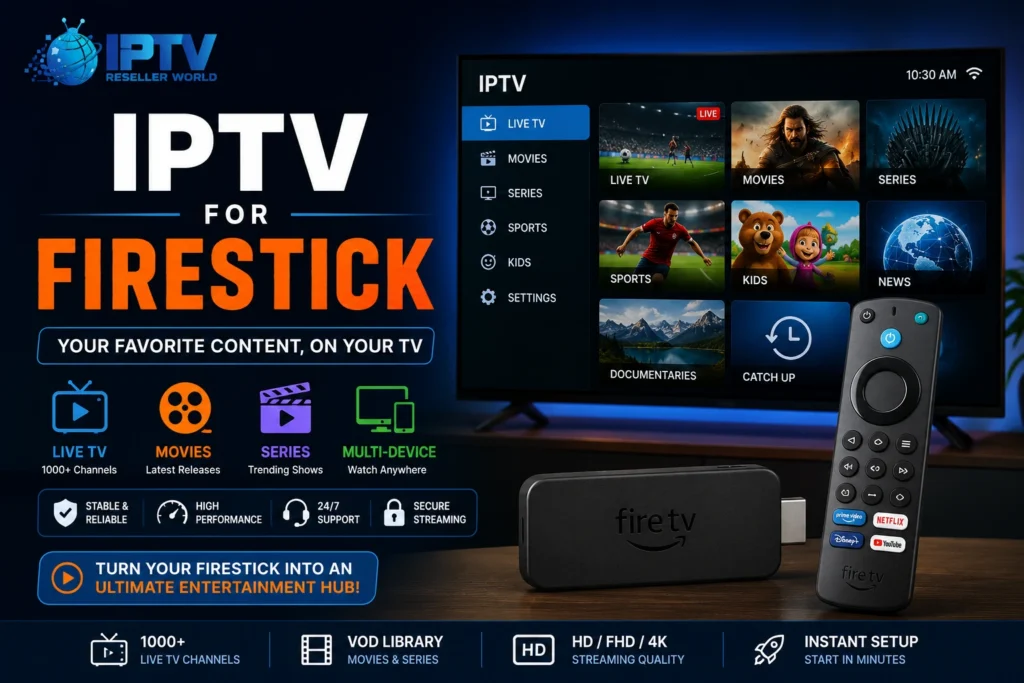
Amazon IPTV for Firestick is one of the most popular ways to stream IPTV service in the US, mainly because it’s affordable and works with nearly every major app.
Here’s the general setup process:
Update your Firestick. Go to Settings > My Fire TV > About > Check for Updates before installing anything.
Search the Amazon Appstore first. Most reputable IPTV providers — YouTube TV, Sling, Hulu — have official apps available directly through Firestick’s built-in store. This is the safest and simplest path.
Sign in with your provider account. Once installed, log in with the credentials from your subscription.
Adjust display and audio settings to match your TV’s resolution for the smoothest playback.
Test on off-peak hours first. Streaming during high-traffic times (weekend evenings, live sports) is the best way to judge whether a service will hold up.
Avoid sideloading apps from outside the Amazon Appstore for IPTV access unless you’re certain of the source — this is one of the most common ways people end up on unlicensed services without realizing it.
Choosing a Provider You Can Trust
The list is the same no matter how you’re evaluating YouTube TV vs Sling, or a smaller regional provider, it’s clean pricing, confirmed channels available, a genuine free trial, and transparency with regard to where the content is sourced.
If you’re researching a specific company — for example, Stream Pro IPTV — apply that same standard. Check that pricing is published openly, confirm their app is available through official app stores like Amazon’s, and look for independent reviews rather than testimonials on their own site. A legitimate provider won’t have anything to hide on any of these points.
Conclusion
The best IPTV service USA subscribers can count on is not the cheapest but the one that is transparent about the pricing, reliable during busy periods, and is easily set up without any mess on their devices such as iptv for firestick . Check out reviews and licensing agreements for an additional 10 minutes before subscribing—it will save you plenty of hassle later.
Frequently Asked Questions
1.Is IPTV for Firestick compatible with Android’s N and Oreo operating systems?
Nope, just some good internet (10+ Mbps is a safe streaming bet here) and a Firestick. No additional boxes or cables required.
2.Why is my stream buffering?
Typically, it is either your internet speed, congestion of the Wi-Fi network, or the provider’s server being overloaded during peak hours. See if there is a problem on your end by testing during off rush hours.
3.Is there an ability to view local stations with IPTV?
Please check with the provider. Not every one of them is available in all areas, so be sure to verify your zip code before signing up to their site; otherwise you may find that it is not available in your area.
4.How can I be sure that an IPTV service is reliable?
The most important indicator of honesty, transparency is. Transparency regarding pricing on their website, a free trial, genuine reviews off their site, and a simple answer to the question of ‘what about content licensing’ when asked. If some of that seems to be evasive, then that’s your answer.